


How to download our files?
ou can get the files,have two Methods:
Method 1.
please login my member area(https://passccielab.com/my-account/) ,and click download ,you can find the files.
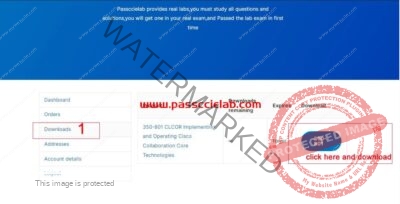
Method 2:
please open https://copysafe.net/drm/login.asp
you can find your username and password in your email.


How to open member files(.enc)
1.please download CopySafe PDF Reader from the link https://images.artistscope.com/download/CopysafePDFreader.zip
and install CopySafe PDF Reader .
Notes:CopySafe PDF Reader only support windows PC
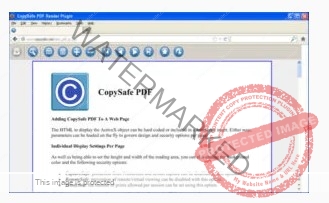
2.click “open” secect your .enc files,and enter your email and password
you can find your email and password in your
enter your email and password
• Email ID – your email address is used as the username for log-in
• Password – the password as set by the author
• Server URL – you do not need enter.
How do I replace my computer?
Please contact us and you need to register your new computer in our file system server, please see this picture


Does your system support other operating systems
You can install our software on Windows. We do not support other operating systems at the moment.


